Any passage in the library can now be turned into a picture worth sharing.
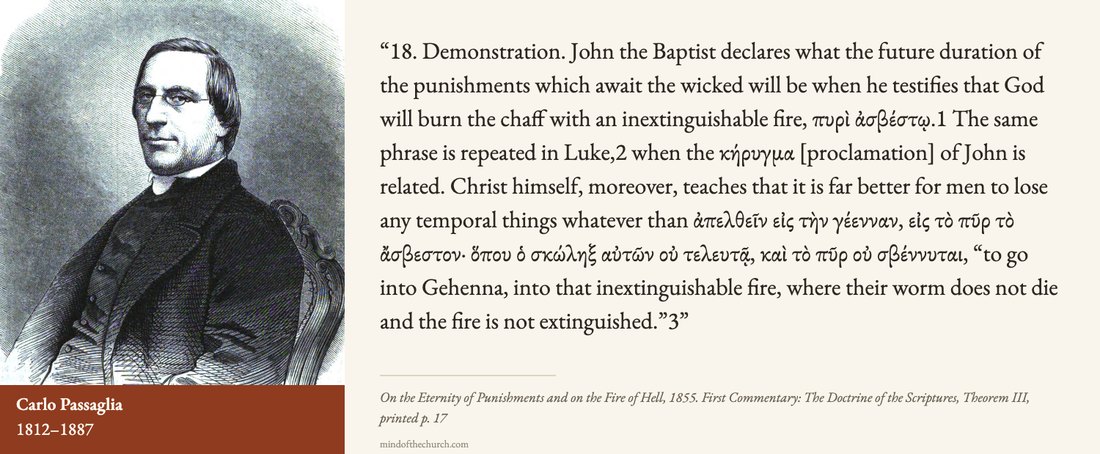
Select the words you want — on a phone or at a desk — and a small Make image button appears beneath them. Press it, and the site draws the passage beside a picture of its author, or of the very book it comes from: the engraved title page, the frontispiece, the portrait, whichever the work offers.
The citation writes itself. Each picture carries the author with his dates, the work and its year, the place in the work, and the page of the printed edition — so that anyone who sees it can find the passage again, and no one need copy a reference by hand.
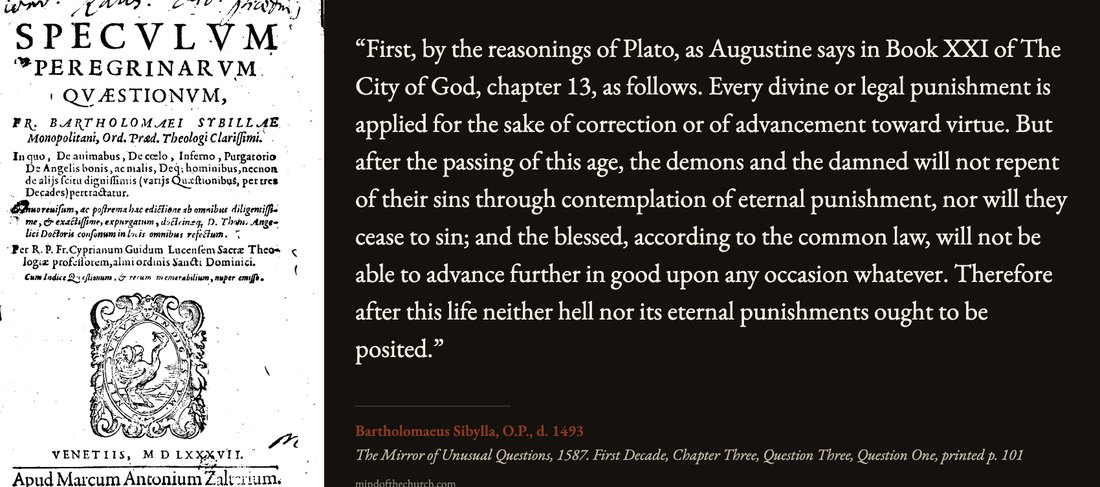
Where no portrait of the author survives, the book itself stands in its place — here the title page of the Venice edition of 1587, on the dark ground:
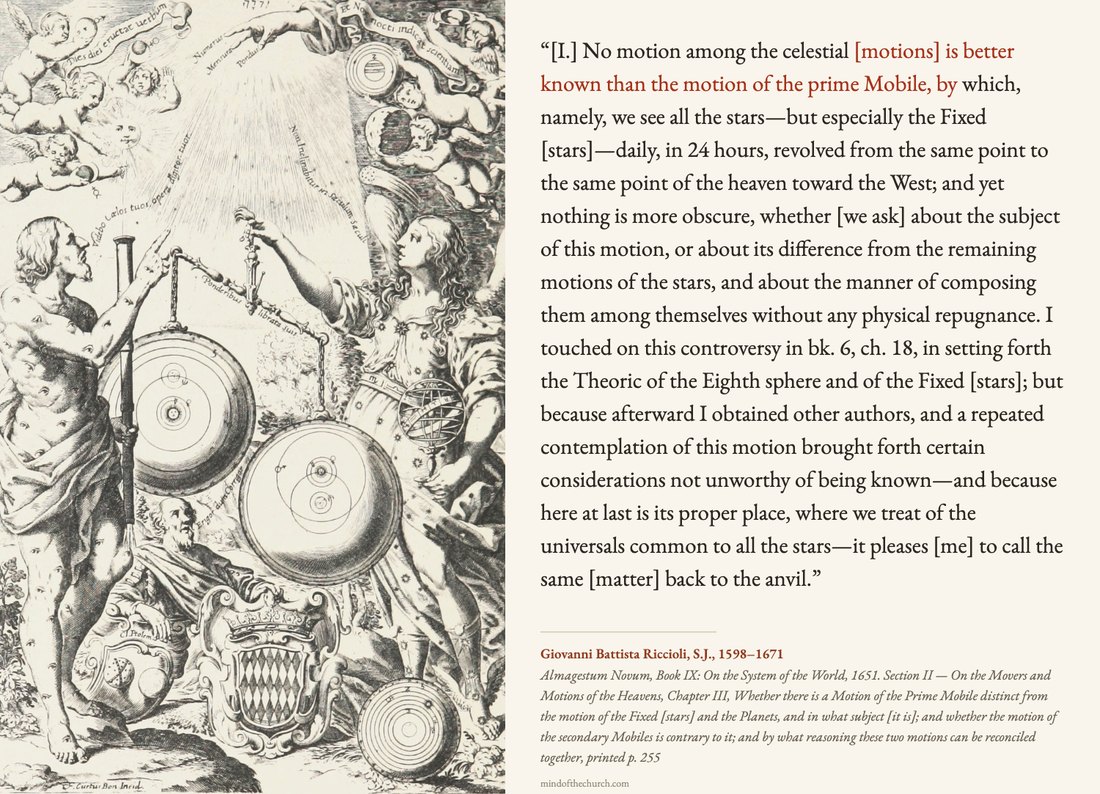
A few things may be changed before saving. Where a work has more than one picture, you may choose between them: Riccioli, for instance, offers the great frontispiece of the Almagestum novum, its title page, or his portrait. The background may be light or dark. And you may drag across any words in the passage to set them in colour, as one would underline a sentence worth remarking.
The picture is then yours to save, or to send straight on from a phone.
All of it is drawn in your own browser. Nothing is uploaded, nothing is recorded, and no account is needed.